A first-person horror puzzle game set inside an inter-dimensional elevator. You find floor codes, punch them into the panel, and see what's waiting when the doors open. I made it by myself in nine days for Godot Wild Jam #98.
- Jam
- Godot Wild Jam #98, October 9–18, 2026. Theme: Signal
- Role
- Solo developer: design, programming, level building, animation. Sound effects from Pixabay, edited by me.
- Engine
- Godot 4, with environments built from CSG
- Platforms
- Web, Windows, Linux
The game
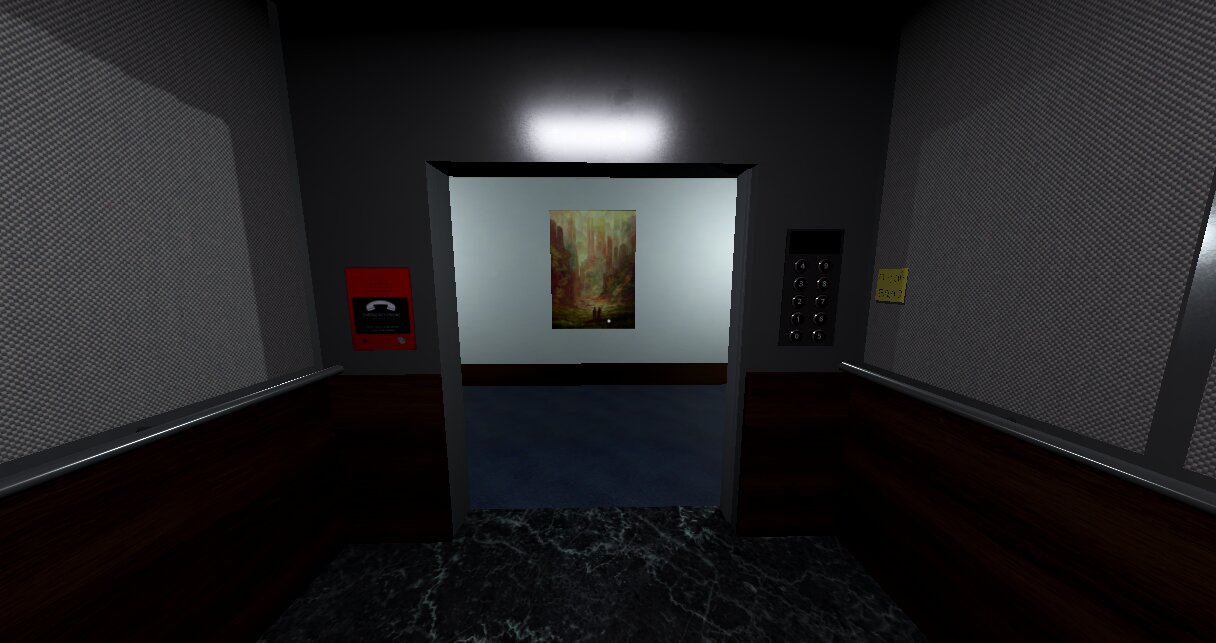
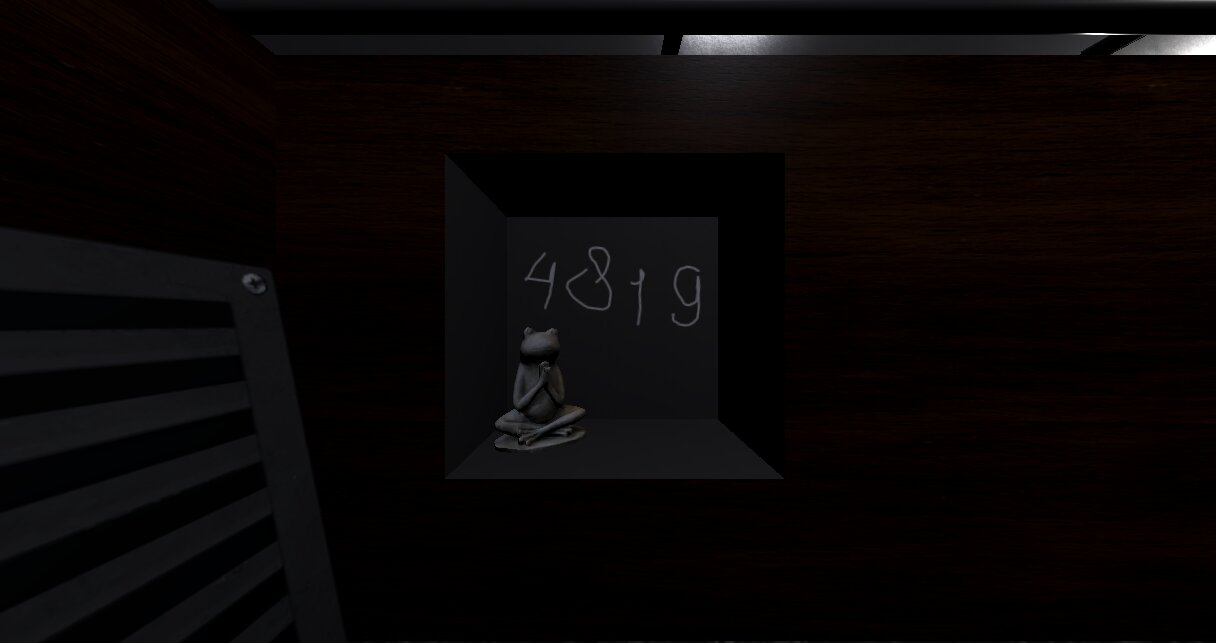
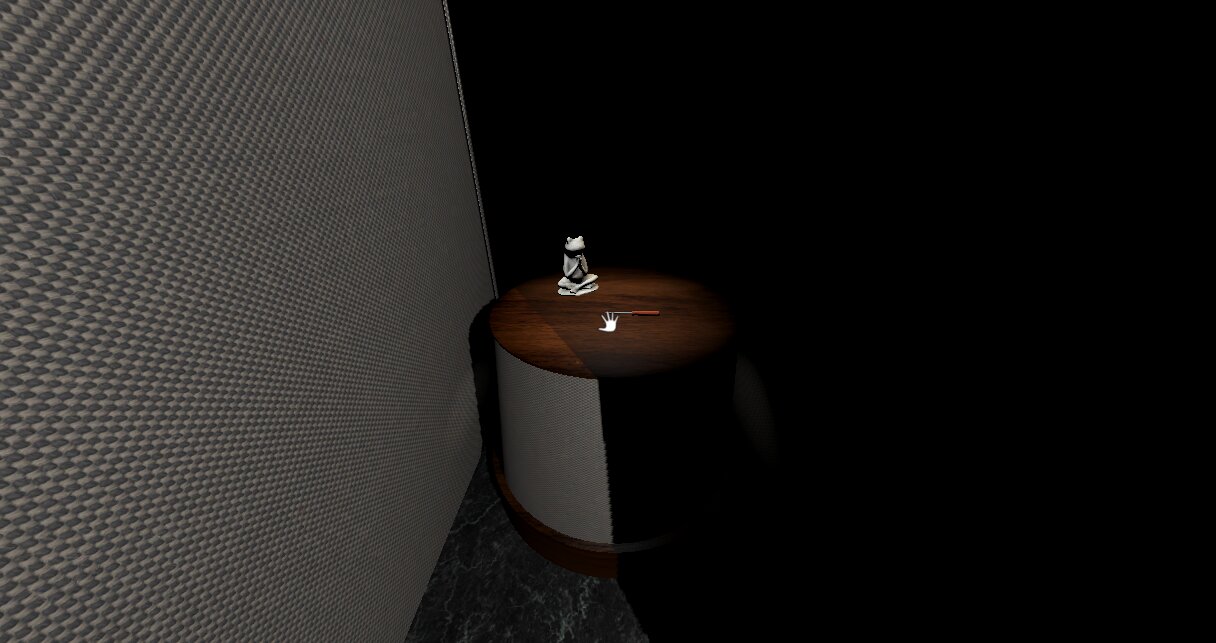
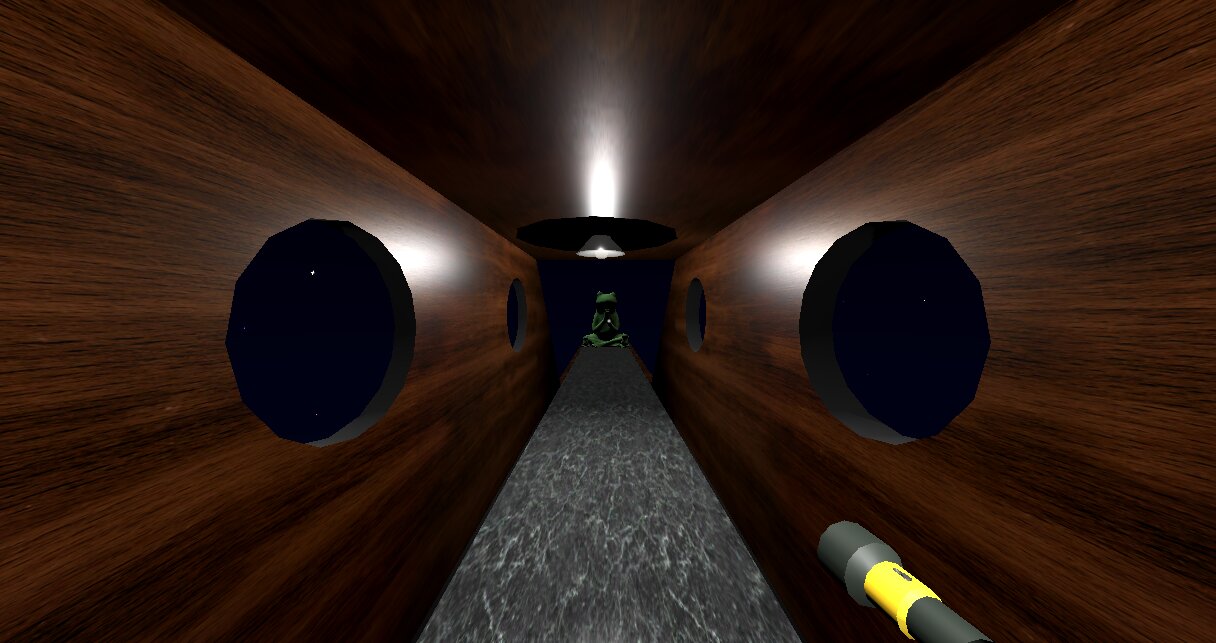
You're stuck in an elevator with ten thousand floors. The panel takes floor codes, and every code you find opens the doors somewhere new: a crime scene, a maze, a hallway that shouldn't be there. Something on the other side of the doors wants in. There are two endings. In one, you find a frog statue and ascend. In the other, the monster catches you and the screen goes black.
Starting from a mechanic
The theme was Signal, and I started with a few ideas before landing on the setting. One was a lighthouse game where you signal ships to keep them at bay. Another was like Iron Lung: you're underwater and have to signal the outside world to stay alive. A flashlight mechanic kept pushing me toward horror, so I kept the claustrophobia and went with an elevator. My first note in my notebook just said "Elevator of Doom, the doors jostle open with fingers."
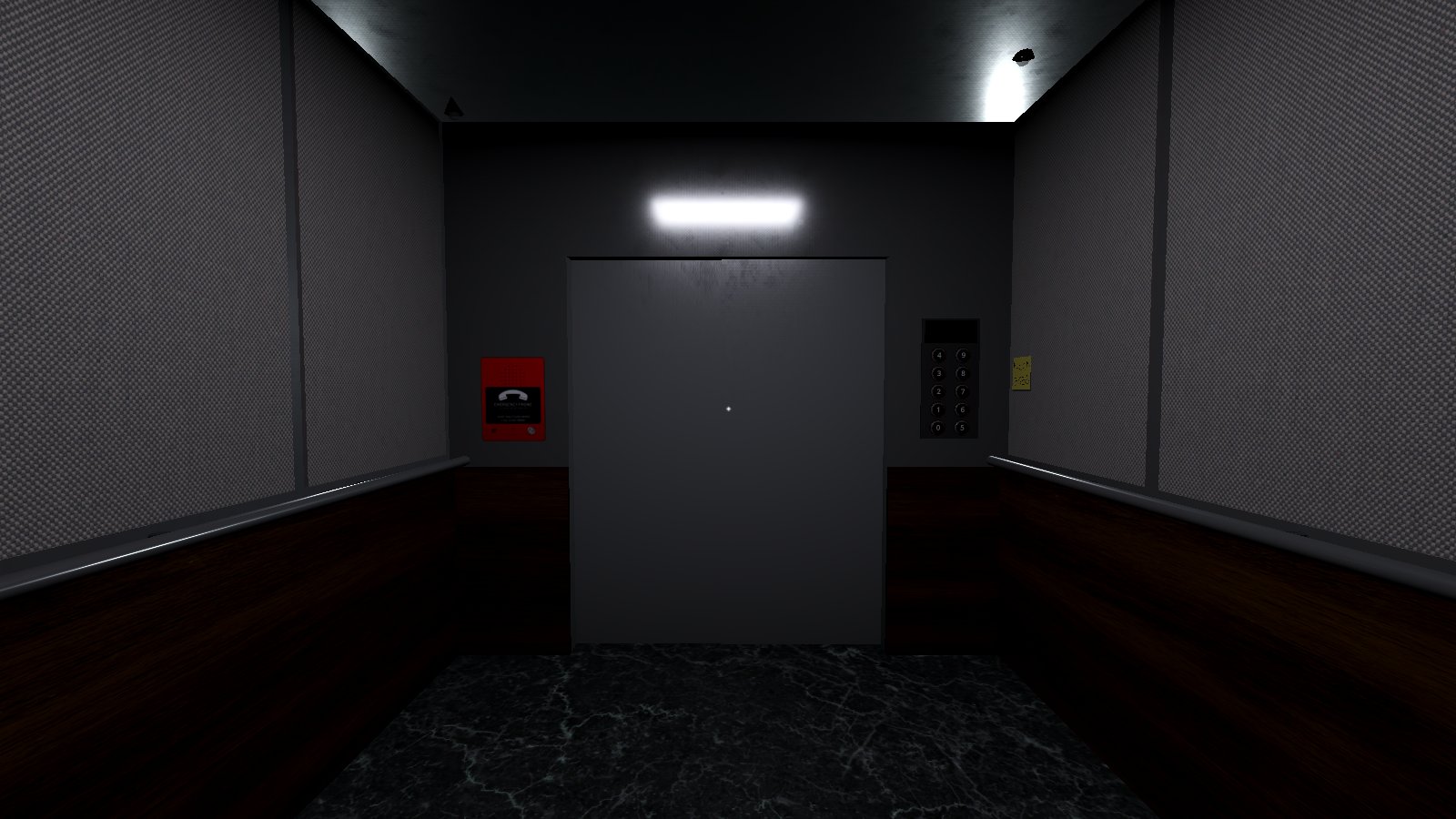
Entering floor codes was the core of the game from early on, so getting the panel to feel right came first. I reused an FPS interaction controller from another project, which saved me a few hours, then built the panel and a code manager that reacts when you enter a correct code. The first things it controlled were the lights and the doors. That took most of a day. At that point the whole game was going to happen inside the elevator.
Making a box feel real
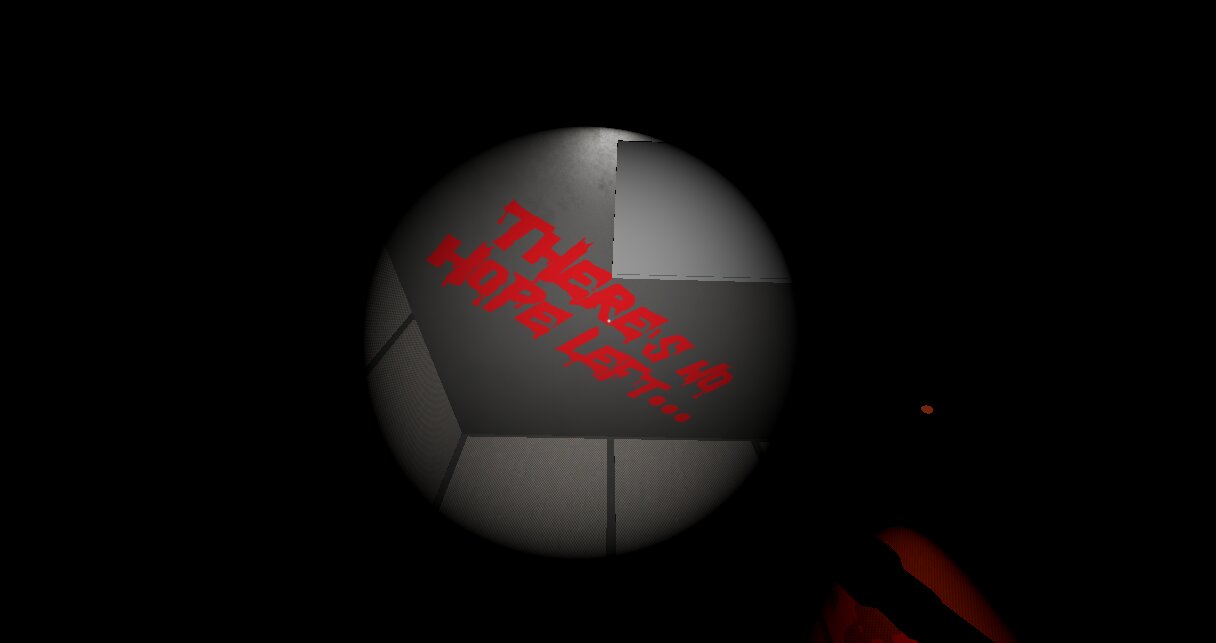
Next came the flashlight, a hidden message, and the phone, and then a lot of audio. It's amazing how much sound makes a world feel believable. I watched videos of real elevators and copied the look and feel as closely as I could in the time I had.
By Tuesday the game started to change shape. To sell the feeling of plummeting, I added a brick wall that scrolls past outside the doors. It's just a set of MeshInstance3D objects that loop.
Loading floors behind the doors
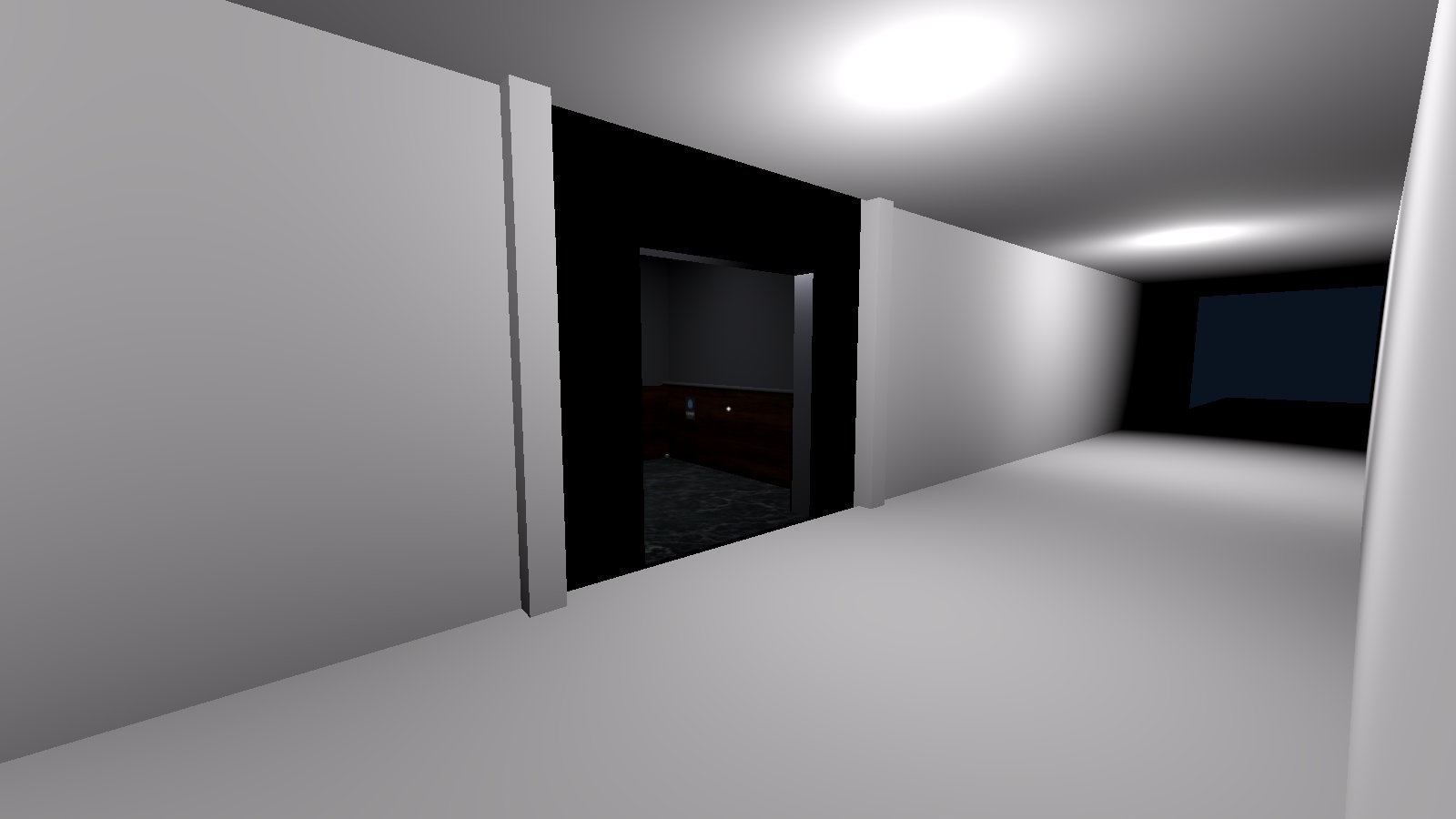
On Wednesday I added the crime scene and realized each floor should be its own scene, loaded in the background while the doors are closed. That turned out to be a lot more complex than I expected, and the bugs took a while to work through. My favorite: unloading the floor after you stepped out of the elevator, so the player fell into the void. The fix was an Area3D that tracks whether the player is inside the elevator, which ended up being useful for other things too, like switching audio as you step in and out.
What makes it scary
Horror works best when it's unexpected, so nothing scary happens twice. The monster only tries to open the door once. The lights only go out once. That's also why I don't like chase sequences: the more you see the monster, the less scary it gets.
The quiet parts matter just as much. Punching in codes and looking around a room are mundane, and that's what builds the tension. It's why so many horror games seem to be fancy walking simulators.
Lighting also covers for things I couldn't build in time. When the monster needs to leave, the lights flicker and it's gone. That's much scarier than watching it vanish, and it meant I didn't have to animate an exit. Animation was the hardest part to finish without an artist. Most of it is done in AnimationPlayer, plus a very basic rigged arm for when the monster pries the elevator doors open.
Planning the puzzle late
On Friday I added the hallway ending and the credits. They took much longer than I expected, and finishing them before the weekend is the only reason the game got done. On Saturday I finally sat down and worked out the order you'd find the codes in. Until then I only had a list of where each code was and what it needed. Laying it out showed me I was missing an area, so I added the maze, which also gave me somewhere to put the screwdriver.
Sunday was for tying everything together. I built the final "frog ascension" room in about an hour and fixed the bugs I could find. One of them came in the last few hours: to hide the crosshair during the ending, I called queue_free on the player, and the game crashed because other nodes still needed it. I'd also gone through the export process earlier in the week, which saved me. There were a few snags, and I very nearly missed the deadline.
Performance on the web
The web build is where the jam version struggles. I tested it early, which caught a few things, but it still ran pretty badly. I knew where the problems were, just not always how to fix them.
- Shadows. On Saturday I turned on shadows for every light without understanding what that would cost in the browser. The maze, added late, ended up at 500–800 draw calls. After the jam I removed shadow casting and split the maze into smaller scenes, which brought it under 150.
- CSG. CSG is great for building levels quickly, but it's slower to load than plain meshes. I learned that during development, so I baked it before release.
- Materials. Unique materials need to be preloaded, or they make web load times worse.
- Loading hitches. Even with background loading, switching floors still hitches in the browser. I think it's from instancing the scene or the materials, but I haven't tracked it down yet.
The performance fixes go out once jam voting ends.
What I learned
Starting from one mechanic and building outward worked. The keypad was done on day one, and everything else hung off it. What I'd change is planning: I worked out the puzzle order on the second-to-last day, and that nearly cost me the deadline. On the web side, testing early showed me the problems, but knowing how to fix them is what I'm still learning.
The biggest limit was art and animation. I can block out a level with CSG and get a lot from lighting and sound, but a monster that moves well takes an artist. That's what I'm looking for in my next jam.